
NOTE: Share links are available for saved custom reports only — pre-built reports do not show the share icon. To share a pre-built report, open it, click the three-dot icon and select Clone to save your own copy, then share the copy.
Step 1: Open Reports
Log in to your Pabau account and click the Analytics icon in the left sidebar. The All Reports page opens.
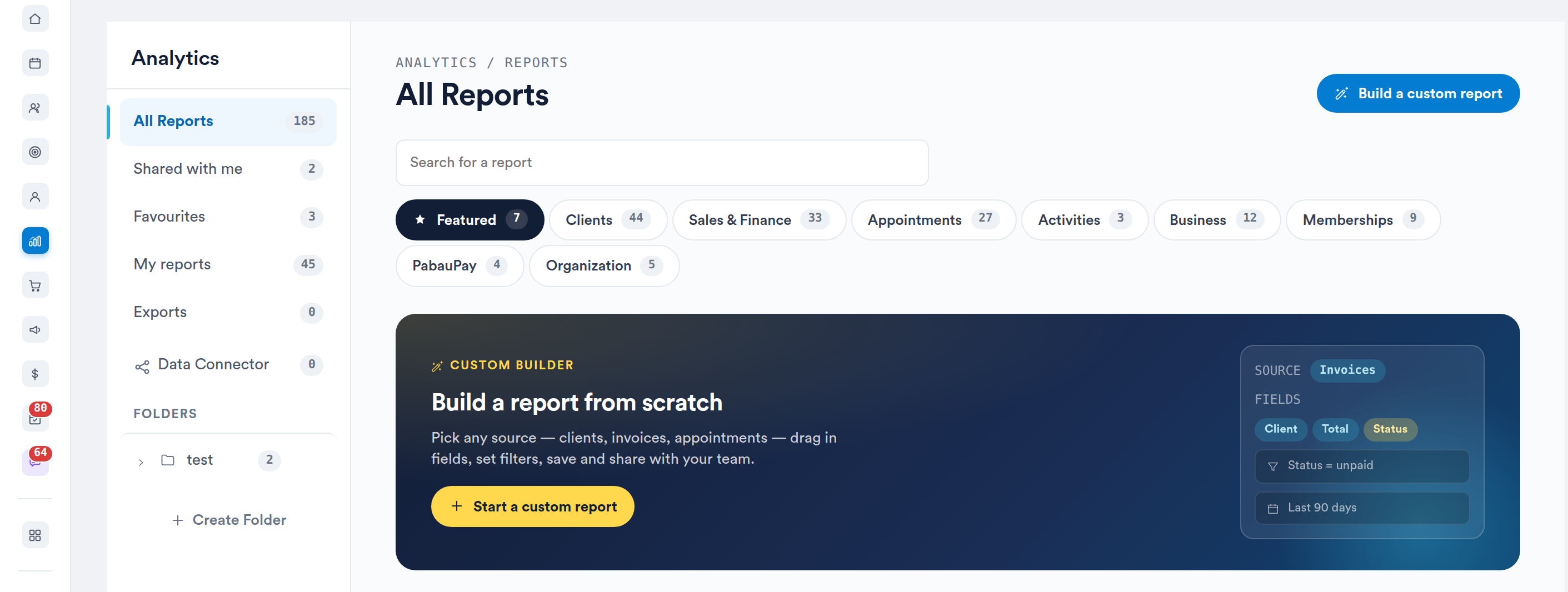
The All Reports page
Step 2: Open a Custom Report
Open the report you want to share — for example from My reports — or create a custom report and save it. Make sure the report shows the results you want to share.
Step 3: Click the Share Icon
Click the share icon in the top right of the report, next to Run and the three-dot icon.

The share icon sits to the right of the three-dot menu
Pabau creates a share link and opens the shared view of the report in your browser.
Step 4: Copy and Send the Link
Copy the address from your browser's address bar and send it to whoever needs to see the report. Anyone with the link can open the report without logging in to Pabau. They see the report as you shared it, but cannot change its filters.
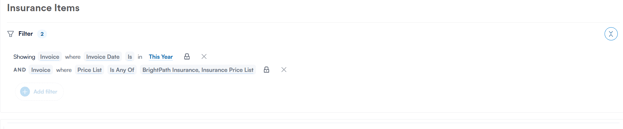
The shared view a recipient sees
IMPORTANT: Anyone who has the link can view the report, so only send it to people who should see that data. Share links expire — if a recipient sees Expired shared report or does not exist, click the share icon again and send them the new link.
Share link or Manage access?
A share link is a read-only view for anyone, including people without a Pabau account. To give colleagues access to the report inside Pabau — so it appears in their Shared with me list and, if you allow it, they can edit it — use Manage access instead, as explained in How to Manage Report Access by Teams. See How to Find Reports Shared With Me for where those reports appear.
What's next?
To send the data as a file instead, see How to Export Reports. For an overview of reporting in Pabau, read our Reports article.
Was this guide helpful? Let us know by voting below - your feedback helps us write clearer articles.
For more guides, browse the related articles below or use the search bar at the top of the page. You can also watch our video learning series, the Pabau Academy, or visit the Support page for additional help.