Skip to content
  • There are no suggestions because the search field is empty.

How to Set Up Fax in Engage (Buy a Fax Number)

This article guides you through buying a dedicated fax number in Engage so your clinic can send and receive HIPAA-secure faxes — referrals, pre-authorisations and lab results — directly from the Engage inbox. Your new number activates instantly and costs a flat $3.99 per month.

Step 1: Open the Fax Card in the Channel Catalog

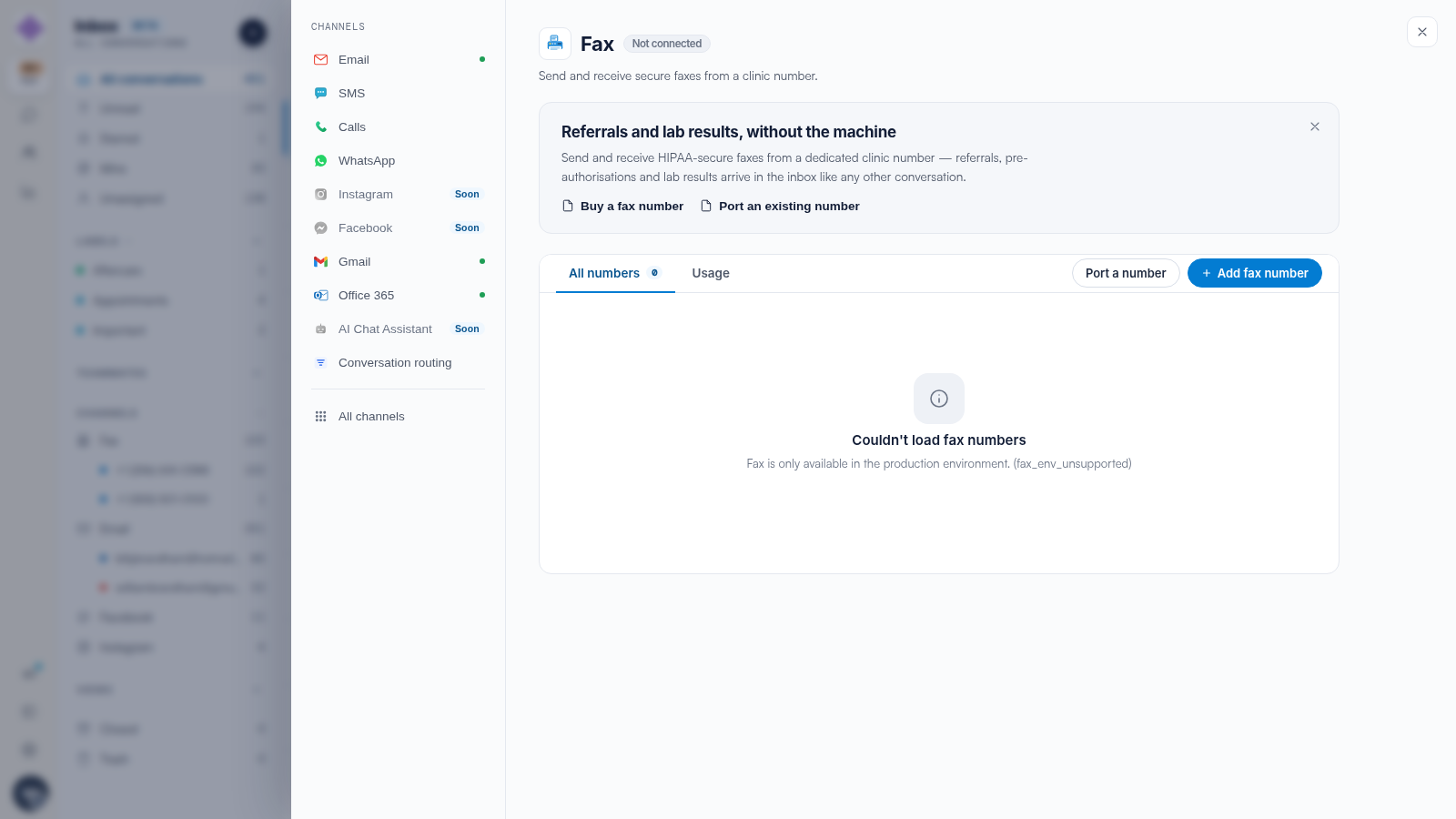
In Engage, open the Channel Catalog from the navigation rail and find the Fax card. If you don't have a fax number yet, the card shows Fax · not connected — click Buy a number to start. If you already own a fax number and want another, click Buy another instead.

The Fax card in the Channel Catalog before a number is owned, showing the status Fax · not connected with Port a number and Buy a number buttons

TIP: You can also start from the Fax Numbers page in Settings by clicking + Add fax number. And if you'd rather keep your clinic's existing fax number, choose Port a number instead — we suggest reading our How to Port Your Fax Number to Pabau article for that process.

Step 2: Choose a Country

The Buy a fax number wizard opens with a four-step tracker: Country, Area, Number and Review. On the first step, Where should your fax number live?, use the Search country - name or ISO code box or scroll the list, then select your country. The wizard moves to the next step as soon as you make a selection.

The Buy a fax number wizard on the Country step, with a country search box, a grid of available countries and the HIPAA-secure · activates instantly footer

Step 3: Pick an Area

On the Pick an area step, search by area name or prefix and select the city or region where you want your number based. You can click Back at any point to change your country.

Step 4: Pick a Fax Number

The Pick a fax number step shows live availability for your chosen area. Click Select next to the number you want, or click Change area to look somewhere else.

The Number step of the wizard listing three available fax numbers for United States · Florida - Pensacola, each with a Select button

NOTE: Prices usually aren't shown next to individual numbers — the monthly price appears on the Review step.

Step 5: Review and Buy

The Review your new fax number step shows your chosen number, its country and area, and the price of $3.99 per month. It also lists what's included: HIPAA-secure faxing in both directions, Inbox routing (incoming faxes land in your Engage inbox), and Patient attachments (save received faxes to a client's record in one click).

The Review step showing the chosen fax number with $3.99 per month pricing, three included benefits and the billing warning above the Buy fax number button

IMPORTANT: The $3.99/month fee is billed to your Pabau payment method, starting as soon as you purchase. You can remove the number at any time from Settings · Fax Numbers, which releases it and stops the billing.

When you're ready, click Buy fax number. The purchase usually finishes in a few seconds — don't close the window while it's working.

Step 6: Your Number Is Live

When the purchase completes, you'll see Your fax number is live, along with a summary of your new number, its country and its reference. Click Go to fax inbox to jump straight to the Fax view, or Done to close the wizard.

The wizard success screen reading Your fax number is live, with a summary card listing the fax number, country and reference, and Done and Go to fax inbox buttons

Your number can send and receive right away, and incoming faxes appear in your Engage inbox automatically — no extra setup needed.

NOTE: Every fax number also comes with its own inbox email address, made up of the number's digits followed by @ifax.com (for example, 18505550143@ifax.com). Documents forwarded to that address arrive in your Engage inbox too. You can find it next to your number in Settings · Fax

Numbers
.

Troubleshooting Your Purchase
  • "Billing isn't set up for this account. Please reach out to Pabau." — Your account doesn't have a payment method Pabau can bill the monthly fee to. Contact support to set up billing, then try again.
  • "Ask Pabau to enable Fax on your account." — Fax needs to be switched on for your account by the Pabau team. Contact support and they'll enable it for you.
  • "Number purchased but not saved." — The number was bought but couldn't be linked to your account automatically. Contact support and quote the reference shown on the screen — they'll attach it for you manually.

We suggest reading our How to Send a Fax from Engage article to send your first fax, our Receiving Faxes and Saving to a Client's Chart article for handling incoming faxes, and our Managing Fax Numbers and Usage in Engage article for tracking usage or removing a number.

For more guides, refer to related articles below, select additional guides, or use the search bar at the top of the page. These guides will help you get the most out of your Pabau account.

Additionally, to help you fully utilize and understand your Pabau account, we recommend exploring additional guides and resources offered at the Pabau Academy.