
With the Calls channel set up, your team can take and make patient calls directly in the browser — no desk phone needed. This article shows you how to get call-ready and make your first call.
Step 1: Get a Number Assigned to You
Calls ring in your browser only when a number is assigned to you personally. Click your avatar at the bottom of the icon rail — if it says You don’t have a number, click + Set up a number and follow the steps. Call settings in the same menu holds your personal call preferences.
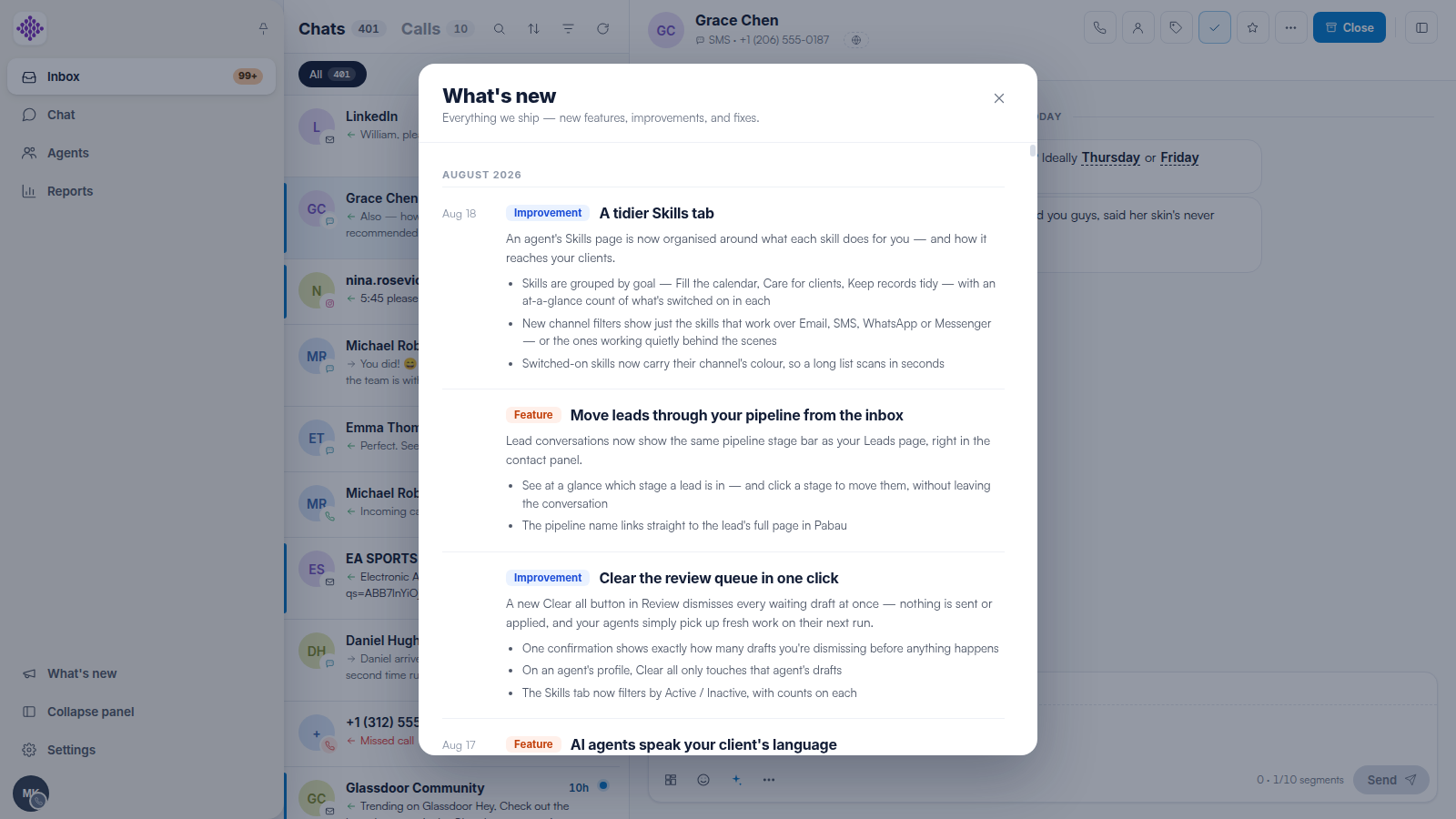
NOTE: Your clinic needs the Calls channel connected first — see our How to Set Up the Calls Channel in Engage (Buy a Number) article.
Step 2: Receive a Call
Incoming calls ring in Engage. Answer from the browser — your microphone permission must be granted the first time. After the call, the conversation timeline shows the call with its duration, recording and outcome.
Step 3: Call a Client
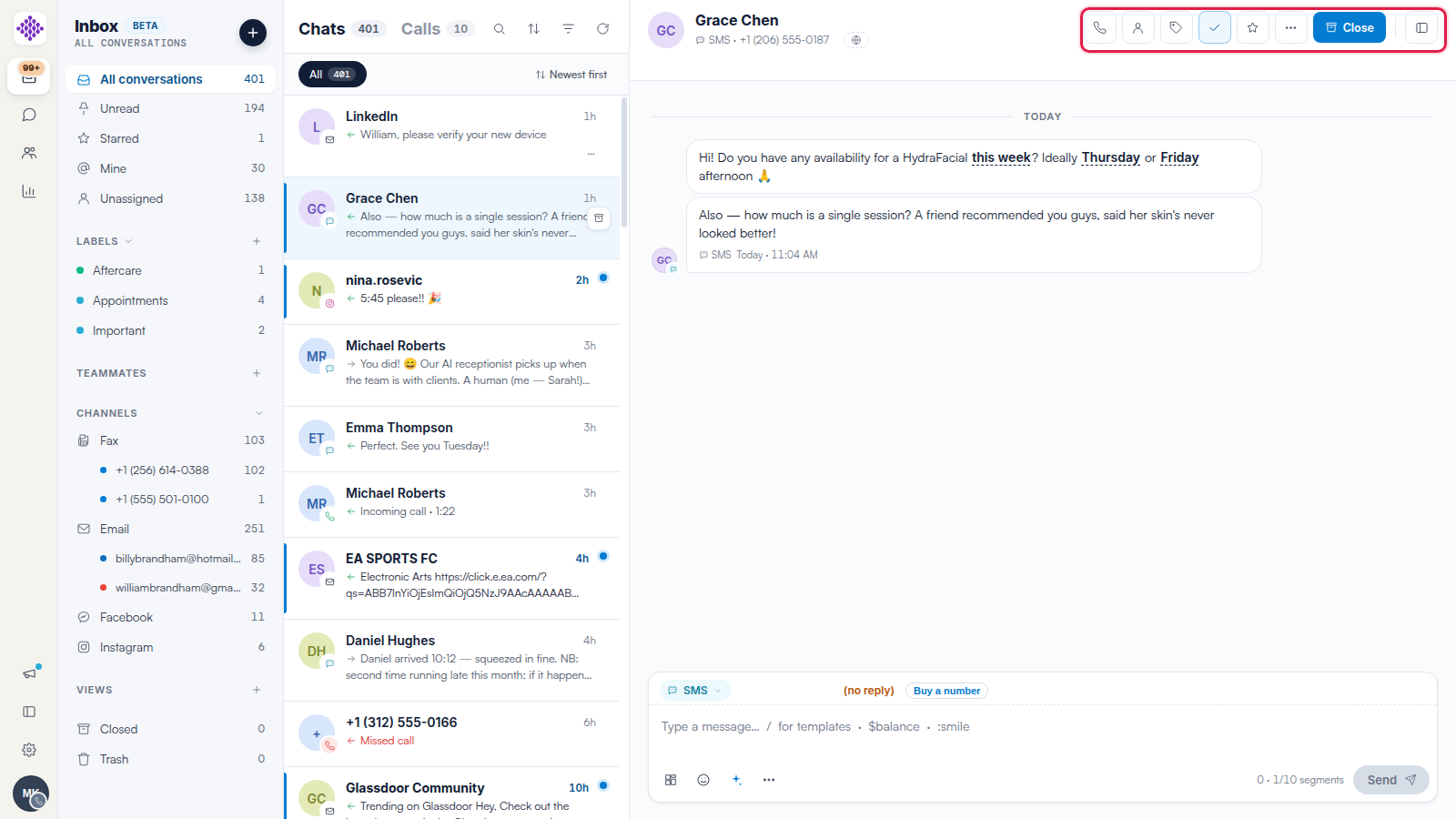
Open any conversation and click the phone icon in the header — it dials the client’s number on file. Calls are logged on the same timeline as messages, so the whole story stays in one thread.
Step 4: Review the Call
Every call appears in the Calls tab of the conversation list too — with recordings, transcripts and outcomes. See our The Calls Tab: Your Clinic’s Call Log in Engage and Call Recordings, Transcripts, Outcomes and Notes in Engage articles.
TIP: If callers cannot hear you, check your browser’s microphone permissions — see our Fixing Microphone and Audio Problems in Engage article.
Related Articles
We suggest reading our How to Use Voicemail in Engage article next.
For more guides, refer to related articles below, select additional guides, or use the search bar at the top of the page. These guides will help you get the most out of your Pabau account.
Additionally, to help you fully utilize and understand your Pabau account, we recommend exploring additional guides and resources offered at the Pabau Academy.