
The Fax panel is where your clinic’s fax numbers live — and where their usage is tracked. This article shows you around.
All Numbers
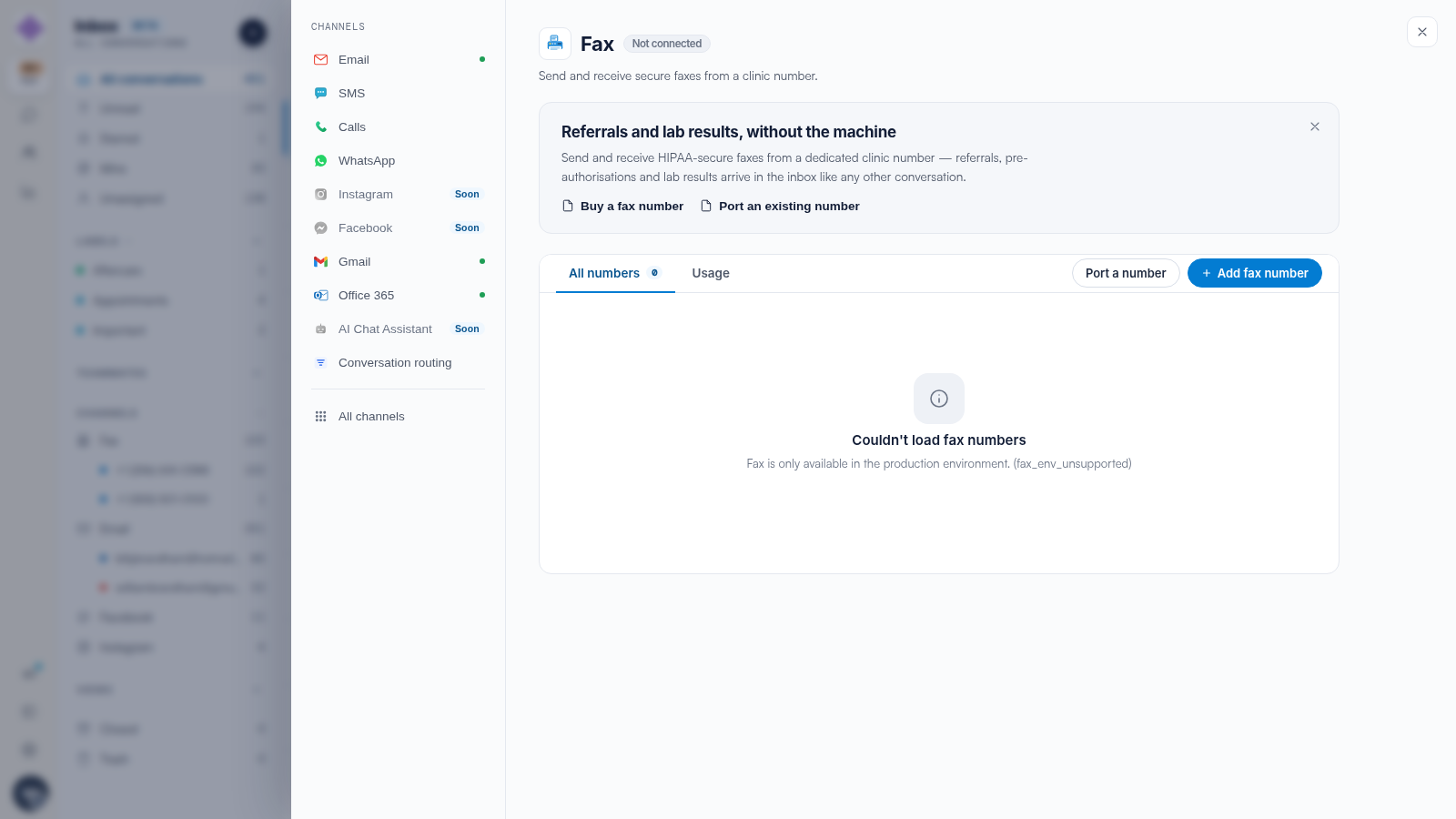
Open Settings → Fax. The All numbers tab lists your fax numbers with their status. + Add fax number buys another; Port a number brings an existing one in — see our How to Port Your Fax Number to Pabau article.
Usage
The Usage tab tracks fax traffic — inbound and outbound pages on your numbers. Fax numbers are billed monthly and usage per page; the totals here reconcile against your billing. For volume in context, Reports → Messages charts fax conversations alongside every other channel.
Removing a Number
When a number is no longer needed, remove it from this panel to stop its monthly fee. Removal is permanent — the number returns to the carrier pool — so make sure nothing still points at it (letterheads, referral pads, your website).
IMPORTANT: A removed fax number cannot simply be reclaimed later. If the number is printed anywhere, port it or keep it — do not remove it.
Related Articles
We suggest reading our How Engage Billing Works: Subscriptions and Credits article for the billing side.
For more guides, refer to related articles below, select additional guides, or use the search bar at the top of the page. These guides will help you get the most out of your Pabau account.
Additionally, to help you fully utilize and understand your Pabau account, we recommend exploring additional guides and resources offered at the Pabau Academy.