
Port requests take time, and sometimes plans change. This article covers checking where a port stands — and pulling it back before it completes.
Tracking a Port
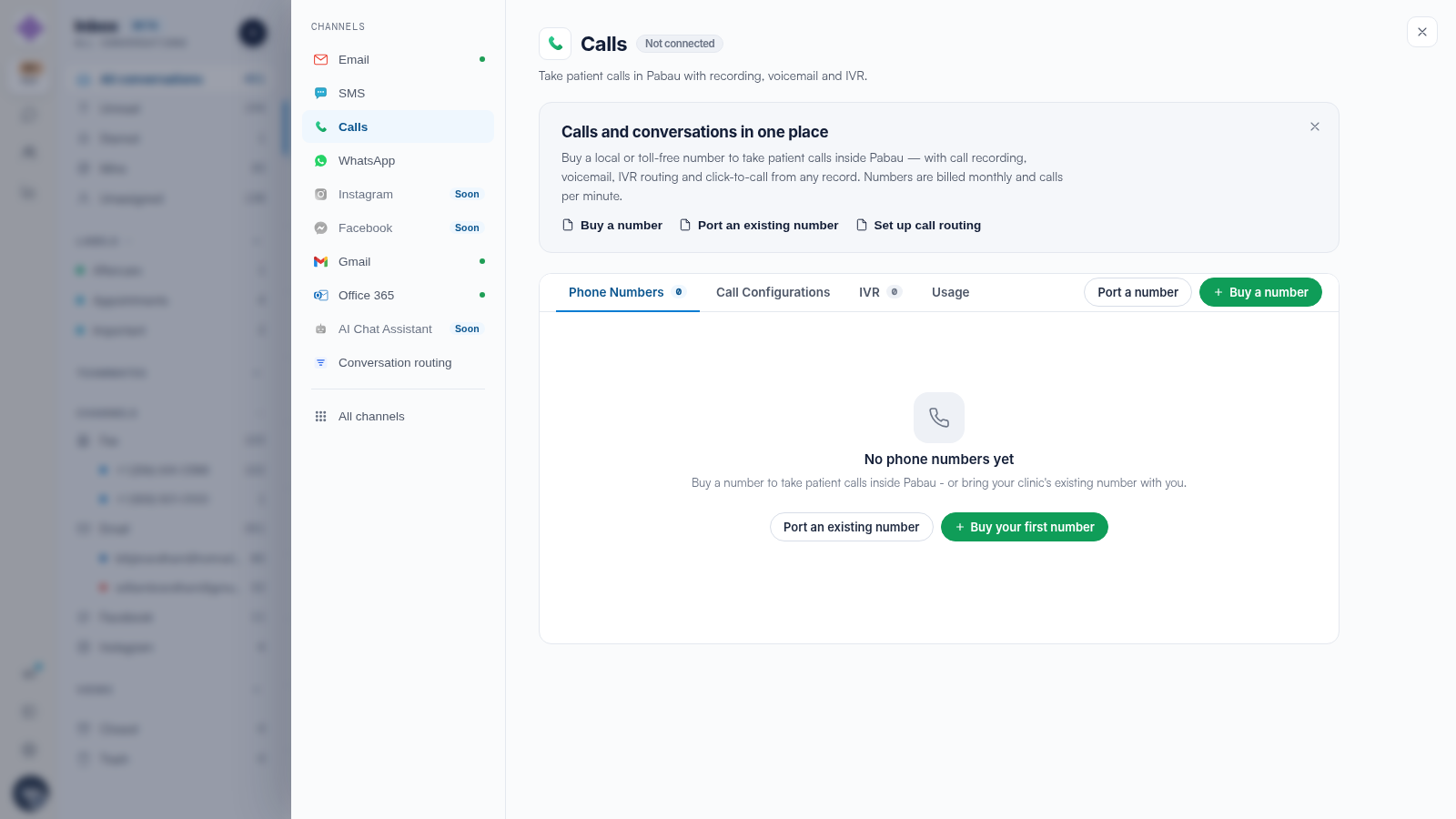
Open Settings → Calls (or Settings → Fax for a fax number). A pending port is shown with its current status — submitted, awaiting e-signature, or scheduled with its activation date. The e-signature step is the one that most often needs you: the port waits until the letter of authorisation is signed.
Withdrawing a Port
Up until activation, a port can be withdrawn — your number then simply stays with the current provider. Contact support with the port reference if you need to withdraw close to the scheduled date, so it is stopped in time.
IMPORTANT: After activation, a withdrawal is no longer possible — the number would need to be ported again in the other direction. If you are unsure about a scheduled port, withdraw first and re-request later.
Related Articles
We suggest reading our After You Request a Phone Port: Statuses, E-Sign and Activation article for the stages a port moves through.
For more guides, refer to related articles below, select additional guides, or use the search bar at the top of the page. These guides will help you get the most out of your Pabau account.
Additionally, to help you fully utilize and understand your Pabau account, we recommend exploring additional guides and resources offered at the Pabau Academy.